
Expense Reporting Software
Expense reports that arrive ready to approve
Photograph a receipt, send it on WhatsApp, forward an email, or let a card feed do the work. Capture Expense adds each item to an expense report that is coded and checked against policy before an approver sees it.
Trusted by finance teams at
- 4.9/5
The most ways to add to an expense report
Mobile app, WhatsApp, Teams, Slack, a personal forwarding email address, drag and drop on the web, or a corporate card feed.
Every report line read, coded, and checked
Best-in-class OCR extracts every field. AI suggests the category and VAT code, and policy alerts flag anything that needs attention.
Approved reports reimbursed the way finance wants
Approved reports post to your ledger as purchase invoices or go through payroll and BACS with a full audit trail either way.
“Capture Expense has cut everything in half. The chasing, the checking, the back-and-forth. Approvals run on their own, the mobile app means people can submit on the go, and the whole thing just fits around the way we operate.”
-
3x
faster approvals
-
24x
faster processing
Capture
Expense reports built from the receipt up
Document intelligence reads merchant, date, amount, VAT, and line items from photos, PDFs, and multi-page hotel bills in 30 languages. Each receipt becomes a line on the employee's report with no manual entry.
- Real-time OCR on mobile, web, and chat
- Multi-page documents such as hotel invoices and supplier bills
- Split a bill across categories or people and add attendees and notes
- Favourites for recurring expenses and journeys
Categories and VAT
Category and VAT codes right on every report line
AI category matching assigns the accounting category as receipts and card transactions arrive and keeps existing merchant mappings for consistency. VAT defaults come from the category with no-receipt rules and multiple VAT schemes per entity.
- Icons highlight when a category was assigned automatically
- Users can override and the system remembers merchant mappings
- Country-based VAT and GST rules plus VAT alerts on risky lines
Building the case for expense reporting software?
We’re so much more than that. From saving days reconciling your credit cards to getting customised insights in an instant with your finance copilot, here’s everything you need to know about Capture Expense.
Download the brochure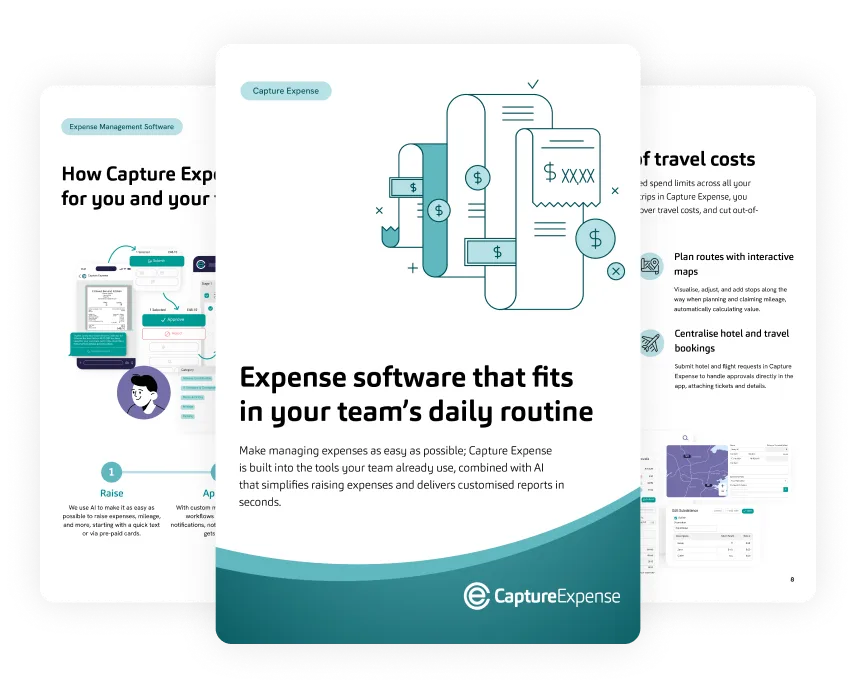
Chat
Submit expense reports from the apps people already use
The User Copilot turns WhatsApp, Microsoft Teams, and Slack into an expense inbox. Send a photo and it’s added to a report. Say where you drove and the mileage is calculated. Ask what is outstanding and get an answer. Real-time notifications tell approvers what needs them.
- Receipts, mileage, questions, and approvals by chat
- Structured replies for payment method and missing details
- Administrators can disable a channel instantly if a device is lost
Reimbursement
From report to bank account without rekeying
Approved expense reports flow into the finance system as purchase ledger invoices against each employee's supplier record or into payroll for the next run. BACS Standard 18 files and Open Banking payments are available. Every payment is tracked so nothing is paid twice.
- Purchase ledger posting to Xero, QuickBooks, Business Central, NetSuite, Sage, and more
- Payroll reimbursement through Cintra, Zellis, and iTrent
- Cash advances and daily allowances with running balances
- ClaimantLast paymentPaidUnpaid
- James Rowell - 0.00 GBP 38.00 GBP
- Sarah Hall - 0.00 GBP 6.60 GBP
-
C
Cintra Payroll and HR
API connectorPay approved expenses through payroll and keep people, departments and cost centres in sync
-
Z
Zellis Payroll and HR
Export format
-
iT
MHR iTrent
Export format
-
Cz
Cezanne HR
Export format
In detail
Everything in expense reporting software
-
Receipt scanning
Real-time OCR with raw receipt data stored for audit.
-
Receipt inbox
A personal address that turns forwarded receipts into expense report lines. Ideal for shared cards and travel bookings.
-
Split bills
Allocate one receipt across categories, projects, or attendees.
-
Enter on behalf
Assistants and cardholders can add receipts and expenses for others.
-
Favourites
Recurring expenses and journeys saved for one-tap reuse.
-
Declarations
Employees confirm policy statements before submitting a report.
-
Advances and allowances
Cash and petty cash advances, daily allowances, and per diems with running balances.
-
Multi-currency
Historical and fixed FX rates, 100 plus currencies, and entity base currencies.
-
Multi-language
The app, the copilots, and OCR work in your people's languages.
-
Duplicate management
Duplicate receipts and expenses spotted at user and organisation level with auto-merge.
-
Reminders and notifications
Hourly, daily, weekly, or monthly digests that people actually read.
-
Full mobile parity
Everything on the web is in the iOS and Android apps including approvals and admin.
How UK and Ireland finance teams handle expense reimbursement
Expense reporting software FAQs
What is expense reporting software?
Can employees submit expense reports without the app?
How accurate is the receipt reading?
How are reimbursements paid?
Can we handle cash advances and per diems?
Does expense reporting software also report on spend?
Can't find what you're looking for? Talk to us and we'll answer within a working day.
Expense reporting software your team actually uses
See expense reports built, approved, and reimbursed end to end in a 30 minute demo.
Rated 4.9 out of 5 on Capterra