Expense Reimbursement Software
Expense reimbursement software that pays back by ledger, payroll, or Bacs
Pay employees back through your purchase ledger or payroll, or directly by Bacs or Open Banking. Approved amounts flow straight through, so nobody in finance types a figure twice.
Trusted by finance teams at
-

-

-

-

-

- 4.9/5
Coded before finance opens the claim
Each claim arrives with its category, VAT, and cost centre already applied.
Pay back without rekeying
Approved claims post as purchase ledger invoices to the employee's supplier record, go to payroll for the next run, or are paid directly by BACS or Open Banking.
Every claim paid once
Payments are tracked against each claim, so the same claim can't be paid twice.
Capture
Reimburse 2x faster with claims that arrive complete
Employees submit from the mobile app, a forwarded email or the web, or from WhatsApp, Teams, or Slack on the Enterprise plan. The receipt is read and coded on arrival.
- Document intelligence reads merchant, date, amount, VAT, and line items from photos, PDFs, and multi-page hotel bills in 30 languages.
- Tell the User Copilot where you drove and the mileage claim is calculated for you.
- Users see the extracted data straight away and only correct exceptions.
- A personal forwarding email address turns booking confirmations and e-receipts into draft expenses.
- One receipt can be split across categories, projects, or attendees before it's submitted.
2 Knives Bar and Kitchen
Newcastle upon Tyne
Capture Expense
- Fri 24 Apr 2 Knives Bar and Kitchen £48.10
- Thu 23 Apr Tesco £12.40
- Tue 21 Apr Amazon £31.99
- Type
- Incidental expense
- Category
- Meals and drinks
- VAT
- £8.01
- Amount
- £48.10
Payment
Three ways to pay back an approved claim
Once a claim is coded and approved, Capture Expense creates the ledger posting, payroll entry, or payment file itself.
- Purchase ledger: the claim posts as a purchase invoice against the employee's supplier record in Xero, QuickBooks, Sage, and more.
- Payroll: push straight to Cintra payroll with our native API, or manage by export file to Zellis, iTrent, Cezanne, and more.
- Direct payment: a BACS file or Open Banking payment goes to bank.
- Every payment is tracked so a claim can't be paid twice.
- The Payments tab shows paid and unpaid balances per claimant, with export and payment history.
- ClaimantLast paymentPaidUnpaid
- James Rowell - 0.00 GBP 38.00 GBP
- Sarah Hall - 0.00 GBP 6.60 GBP
-
C
Cintra Payroll and HR
API connectorPay approved expenses through payroll and keep people, departments and cost centres in sync
-
Z
Zellis Payroll and HR
Export format
-
iT
MHR iTrent
Export format
-
Cz
Cezanne HR
Export format
Coding and posting
Postings right first time, not fixed at month end
Each claim reaches approval carrying its category, nominal code, VAT, and cost centre assigned by AI, so the ledger invoice or payroll entry it creates doesn't need correcting later.
- People and cost centres synced from HR and payroll, so every posting lands against the right department
- Re-export and revert from the export history without manual fixes
- Every posting traceable back to the original receipt
Building the case for expense reimbursement software?
Capture Expense covers you at every stage of spend. From saving days reconciling your credit cards to getting customised insights in an instant with your finance copilot, here’s everything you need to know about Capture Expense.
Download the brochure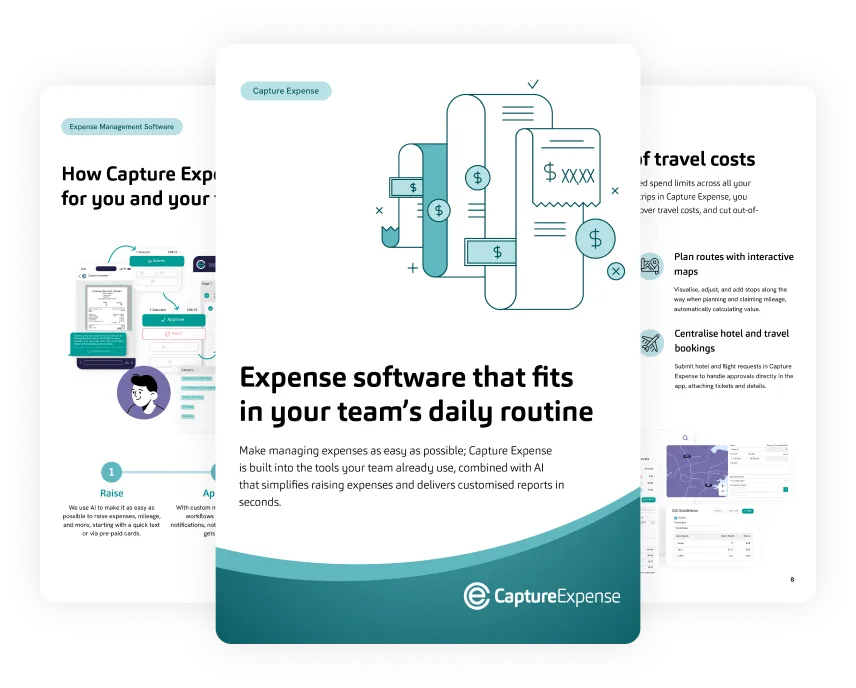
Advances and currencies
Advances and per diems reconciled in 100+ currencies
Issue an advance before the trip, reconcile it against the expenses that come back, and track the running balance across currencies.
- Daily allowances and per diems are calculated from trip details using rates you set by country and duration.
- Advances and petty cash carry a running balance across multiple currencies.
- Historical and fixed foreign exchange (FX) rates work with a base currency per entity.
Payment control
Each claim paid once, by the right route
A receipt that's already been claimed shows as "looks familiar" when it's uploaded again, and auto-merge stops the user ending up with two drafts.
- Duplicates are checked at user level and across the whole organisation.
- Employees confirm policy declarations before they can submit.
- Assistants and cardholders can enter expenses on behalf of others.
- Every payment is tracked so a claim can't be paid twice
Where AI does the work on a reimbursement claim
-
Receipts read in 30 languages
Document intelligence extracts merchant, date, amount, VAT and line items from photos and PDFs.
-
Category and VAT code suggested on arrival
Receipts get an accounting category and VAT default as they land, and an override is remembered for that merchant next time.
-
Claims created from a chat message
User Copilot turns a photo or a journey description into a claim ready for approval.
From set up to go live, the process and communication has been second to none. It has been very well received by all of our users, there are now people claiming expenses that would not do so before as the process was too complicated and clunky! Now they can submit expenses with ease and from anywhere!
-
5377 expenses
processed in just over a year
-
2691 receipts
uploaded in 15 months

Return on investment (ROI) calculator: work out the hours and VAT your team could save using your own numbers.
See the ROI calculatorSet up expense reimbursement in 3 steps
-
1
Connect your finance system
Link the purchase ledger or payroll and map employees to supplier records or payroll IDs.
-
2
Set categories, VAT defaults and rates
Define the category list, VAT schemes per entity, and any per diem or advance rates by country and duration.
-
3
Switch on the channels your people will use
Enable WhatsApp, Teams, Slack, forwarding email or the mobile app, and approved claims post to the ledger or payroll with the audit trail attached.
How UK and Ireland finance teams handle expense reimbursement


Posts to the systems finance already runs
Approved claims post to your ledger as purchase invoices or go to payroll for the next run, so nobody retypes them.
-
 Xero
Xero
-
 QuickBooks
-

-
 Business Central
-

-

-

-

-

Integrates with 50+ systems. Don't see yours? See all integrations
Expense reimbursement software FAQs
How long does it take to set up expense reimbursement?
Is our expense data secure?
How does expense reimbursement software pay employees back?
Can employees submit expenses without installing an app?
How are categories and VAT handled?
How are duplicate claims prevented?
Does Capture Expense support advances, per diems and multiple currencies?
Find the feature that fits your team
See reimbursement from claim to payment
Take a product tour or book a demo to see the full journey.