Finance Copilot
AI that turns spend questions into instant reports
Finance Copilot is the natural-language AI reporting assistant in Capture Expense. Ask about company spend and get a chart, table, and summary back without building a report or exporting to Excel.
Trusted by finance teams at
-

- Leighton
- Usborne Publishing
-

-

- 4.9/5
Reports without building reports
Get a table and chart you can share or schedule from one question.
Variance and trend analysis on request
Ask for a comparison between periods and get the figures back in a table.
Read-only access scoped to each user
Every question runs as a read-only query against isolated reporting data.
Just ask
Ask the question you would otherwise build a report for
Most finance systems need a new report or an Excel export for every question. Finance Copilot answers the question directly.
- Ask in plain English
- Get a chart, a table, and a written summary in one response
- Share the result or schedule it to repeat, for example monthly
- Follow up in the same thread: "Compare with Q1", "By department"
Variance and exceptions
Investigate a variance without an export
Ask Finance Copilot to compare two periods and investigate the variance without exporting to Excel.
- Variance analysis between periods, departments, or users, on request
- Trend analysis across quarters or years
- Questions about exceptions and risks in your spend
£48,212 in Q2, up 6% on Q1. May was the highest month, driven by travel for the London project.
Building the case for an AI finance copilot?
Capture Expense covers you at every stage of spend. From saving days reconciling your credit cards to getting customised insights in an instant with your finance copilot, here’s everything you need to know about Capture Expense.
Download the brochure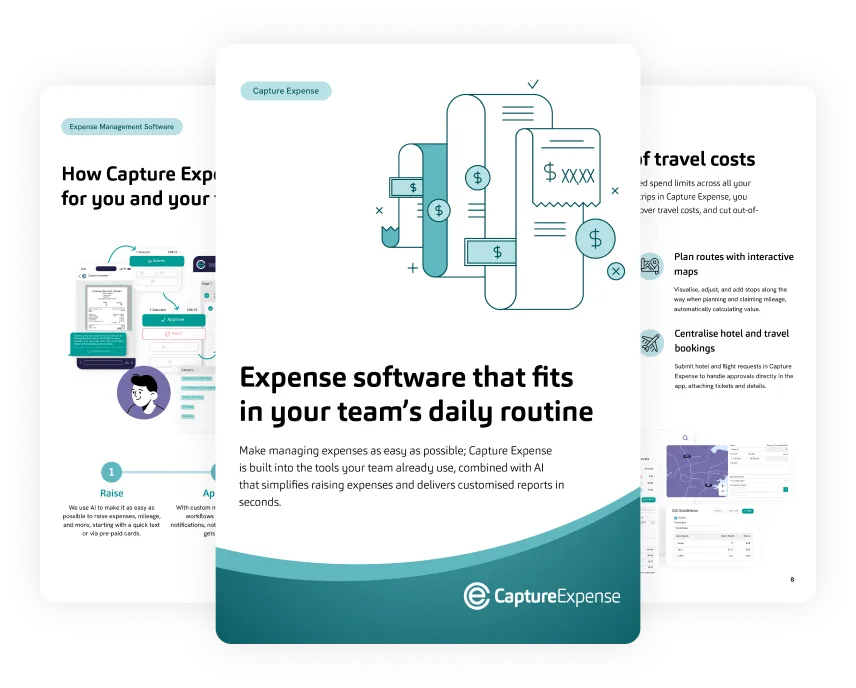
Microsoft Teams
Ask from Teams or from the web app
Finance Copilot runs inside Microsoft Teams as well as the Capture Expense web app.
- Same scoping and read-only access in Teams as in the web app
- Suits IT teams running managed devices
- Your finance team gets answers in the tool they already have open
Access and control
Read-only access you can switch off per user
Each question is converted into a controlled query against read-only reporting data isolated to your organisation and your user, with restricted database users behind it.
-
Per-organisation and per-user data isolation
-
Thin interface: your input becomes a query and only the result comes back
-
Product data is never used to train public models
-
Administrators can disable conversational services for a person instantly, for example when a device is lost
How your AI copilot compares with building a report
-
How you start
- Excel export
- Export the data and build a pivot table
- Conventional report
- Build or edit a report
- Finance Copilot
- Ask a question in plain English
-
What comes back
- Excel export
- A spreadsheet you format yourself
- Conventional report
- The report as configured
- Finance Copilot
- A chart, a table, and a written summary
-
A follow-up question
- Excel export
- Rebuild the pivot table
- Conventional report
- Edit the report
- Finance Copilot
- Ask it in the same thread
-
Repeating it monthly
- Excel export
- Redo the export each month
- Conventional report
- Schedule the report
- Finance Copilot
- Schedule the answer
-
Where you ask
- Excel export
- Excel
- Conventional report
- The Capture Expense web app
- Finance Copilot
- The web app or Microsoft Teams
It took us nearly 3 years to find the right platform for us, and we couldn’t be happier with the savings and the excellent service we’ve received from Capture Expense
-
£12,250
saved annually
-
98%
time saved on expense processing